 |
Products |
 |
|
 |
Personal |
 |
|
 |
Information |
 |
|
 |
Currencies |
 |
|
|
|
|
|
 |
Bestsellers |
 |
|
|
| Presto iMod Modules and iMod Ports |
|
|
 |
|
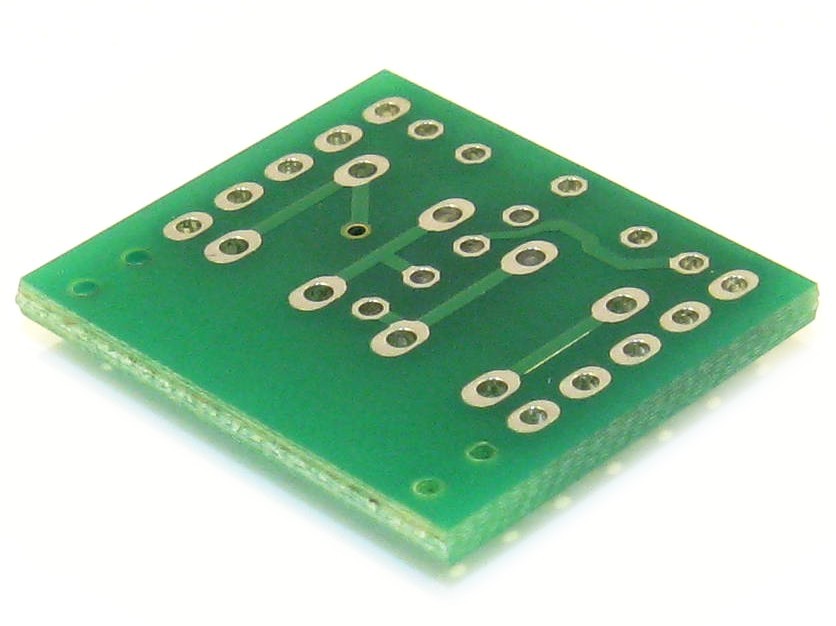
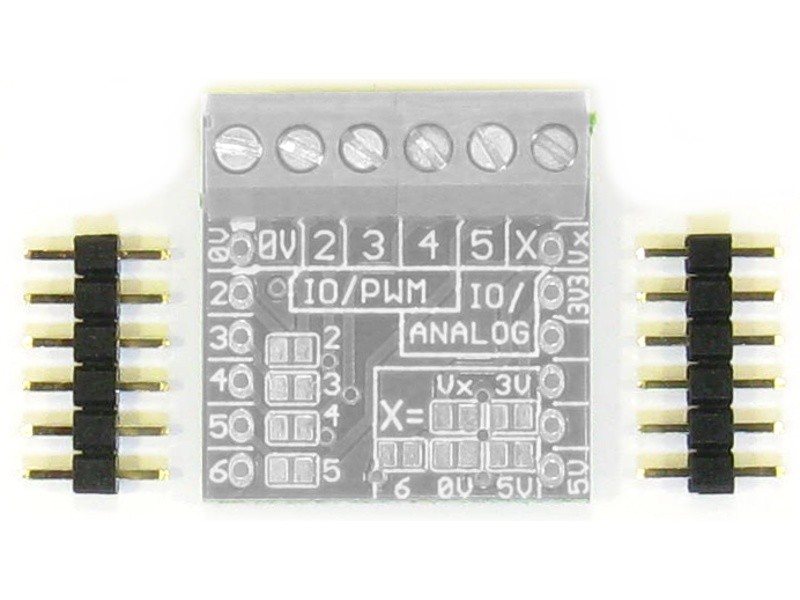
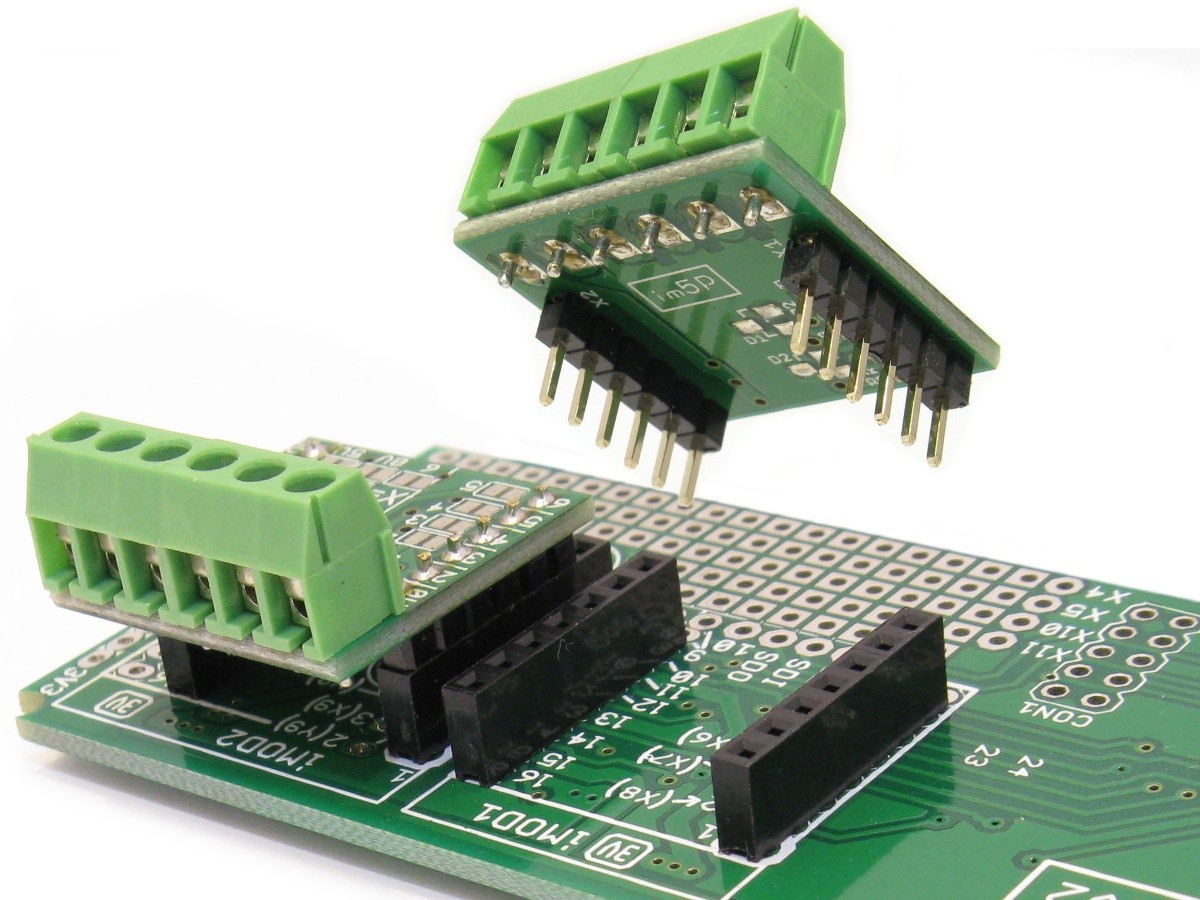
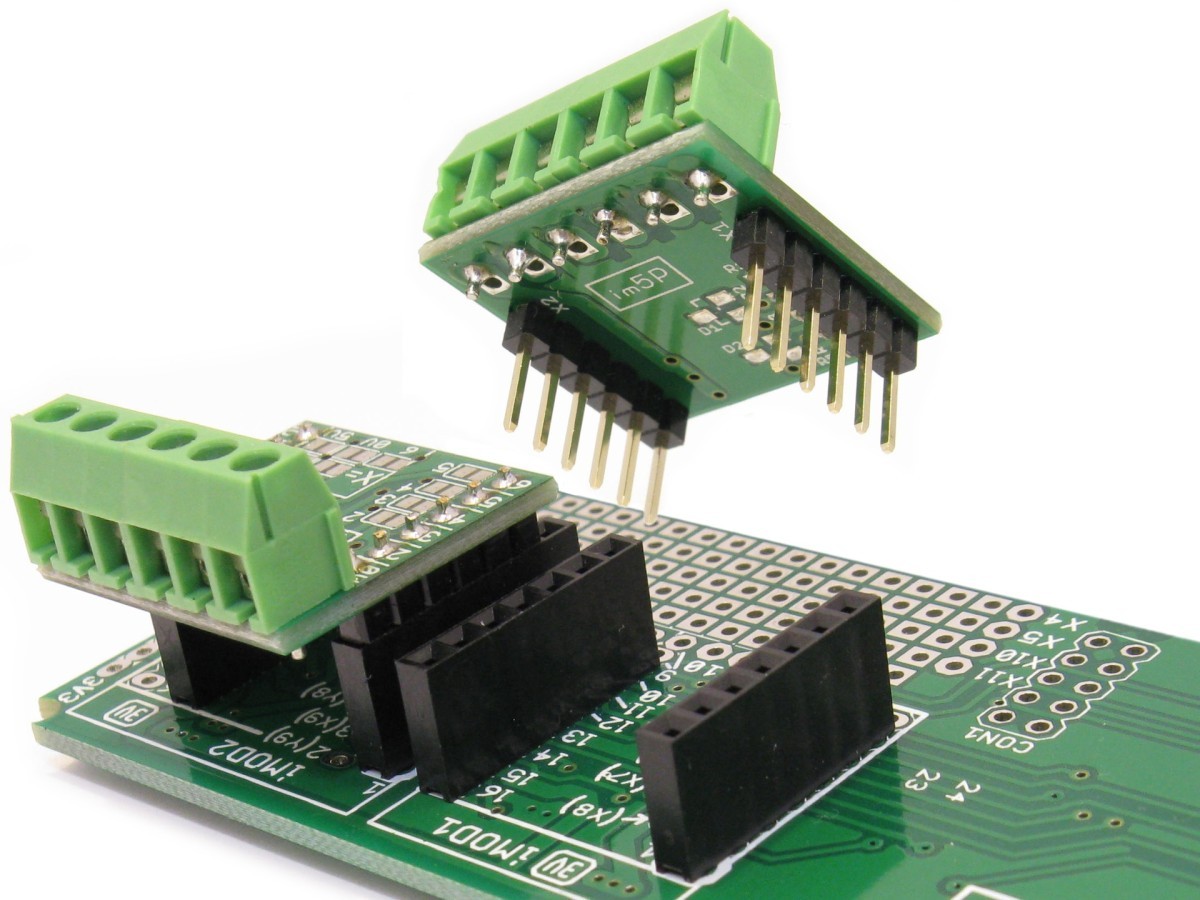
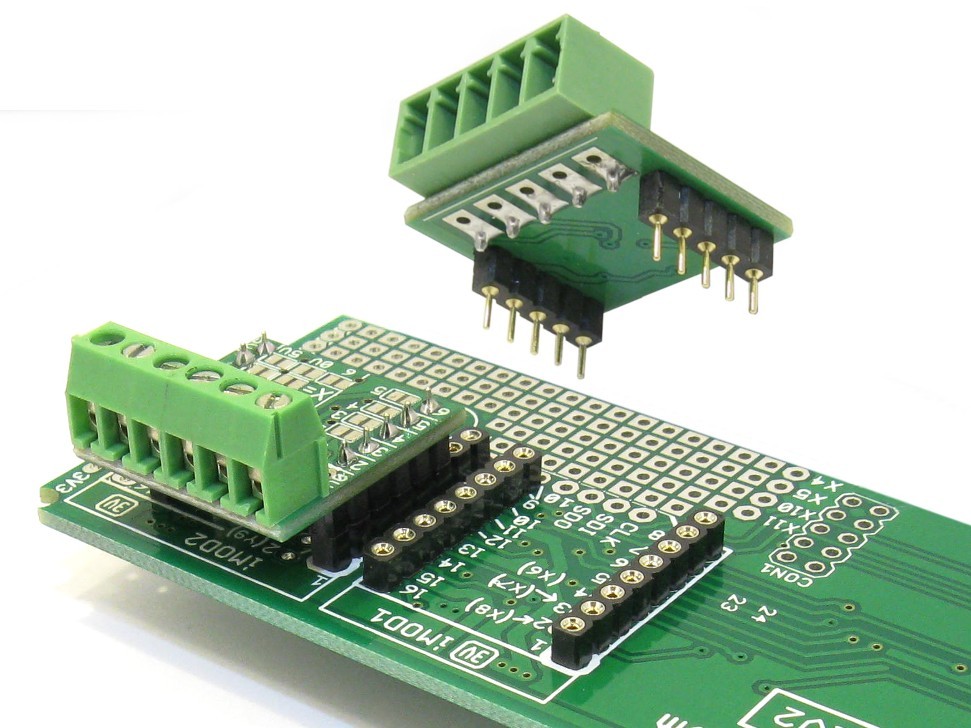
An iMod Module is a small boards that fits into an iMod Port on a target board.
The module normally has press-fit connectors, and can be pressed into the pads on the iMod Port
without any solder required. For a permanent connection, it could also be soldered.
It is part of the
Modtronix Presto Range
of products.
An iMod Module is used to add functionality to a target board. Some typical iMod Modules
have interface drivers for adding an interface to a target board, like RS-232, RS-485, CAN Bus...
|
 |
| Additional photos - click on image to enlarge! |
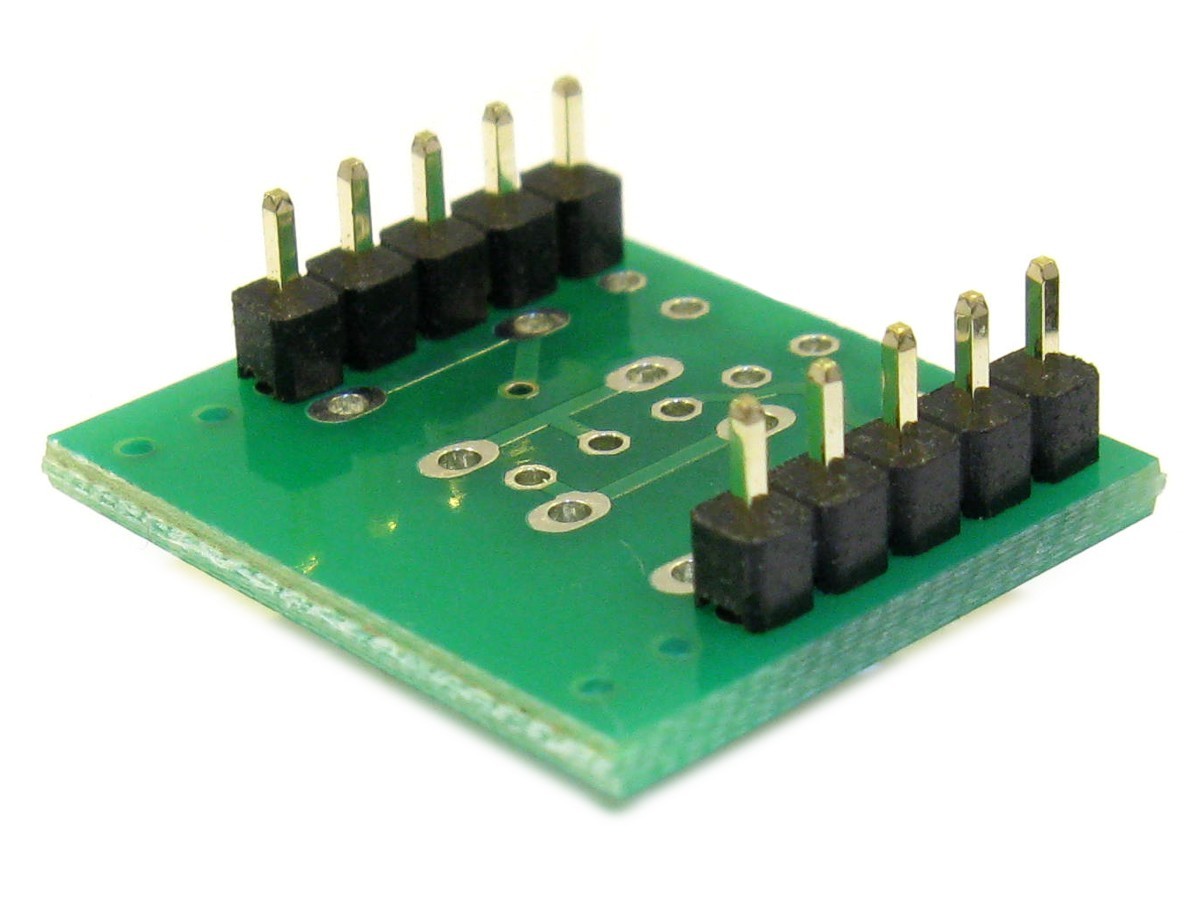
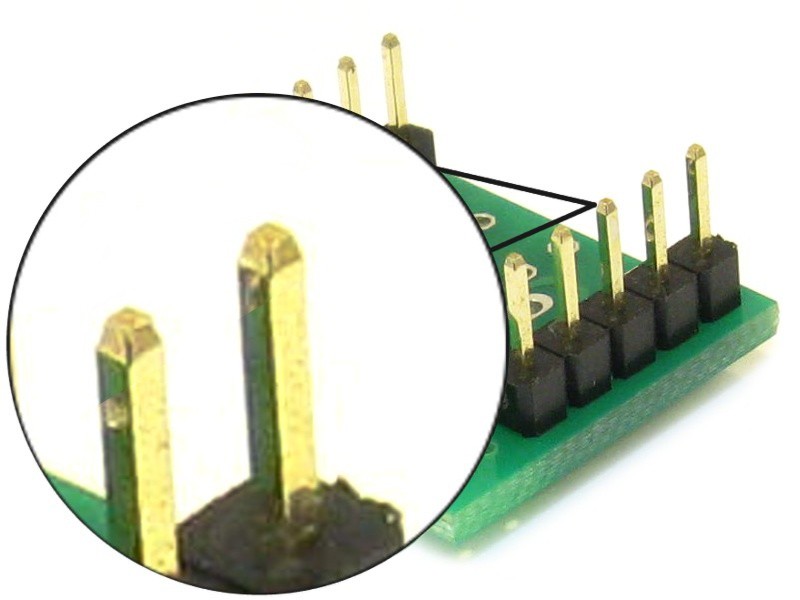
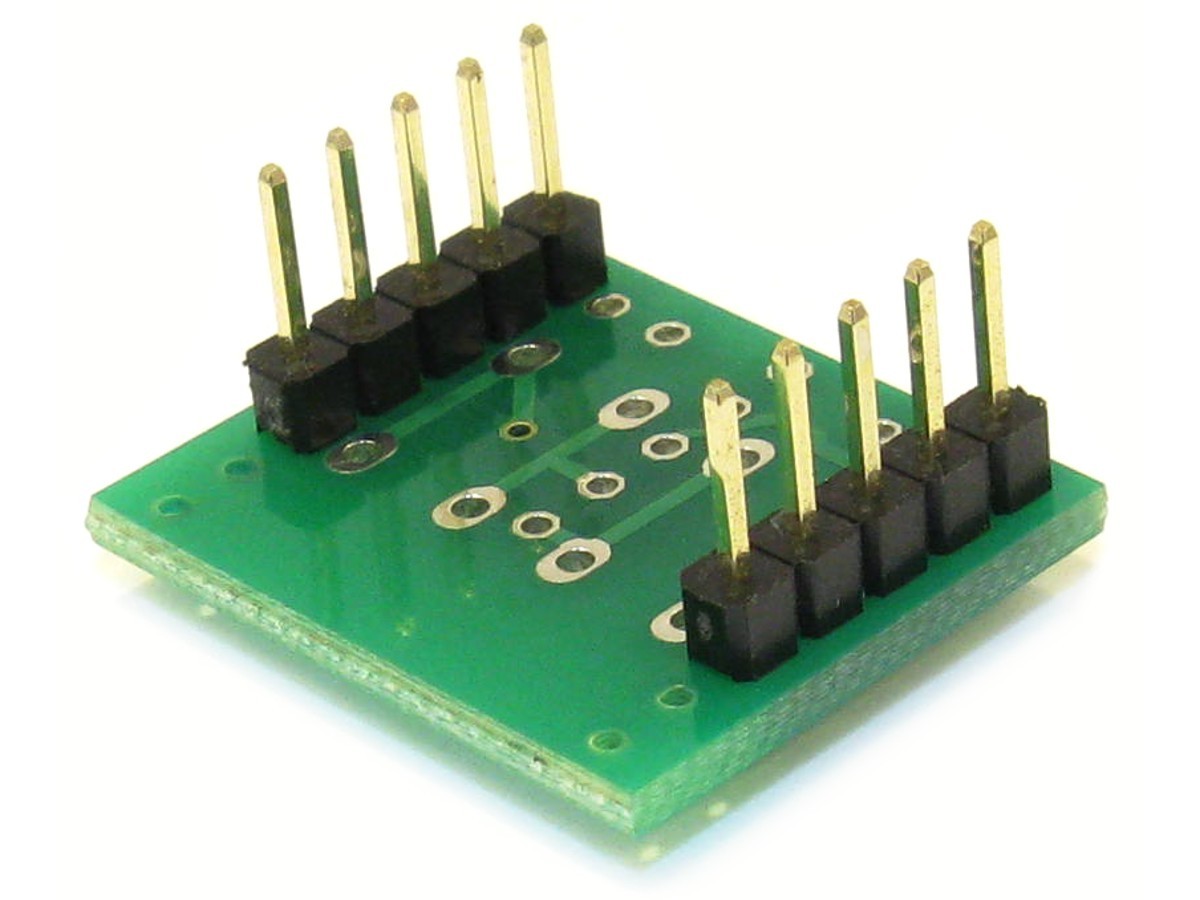
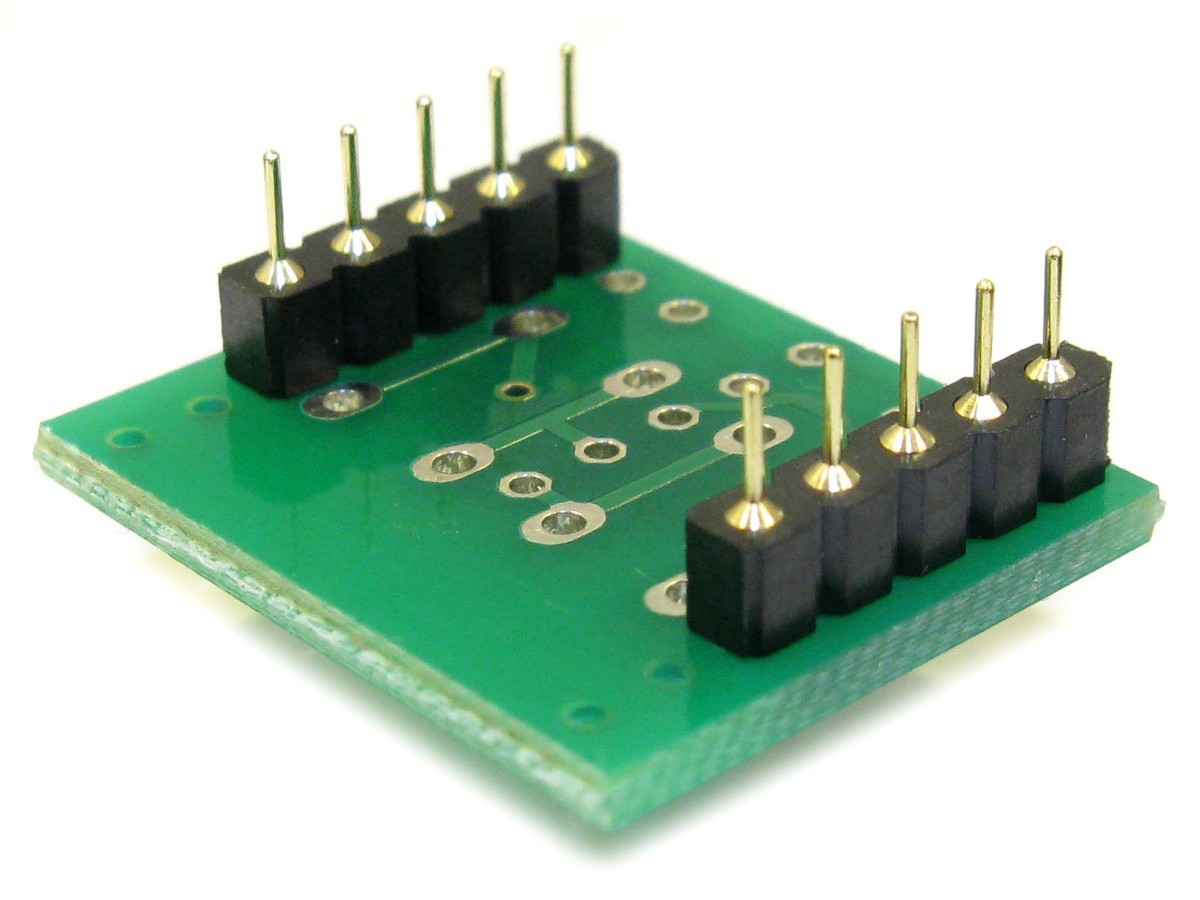
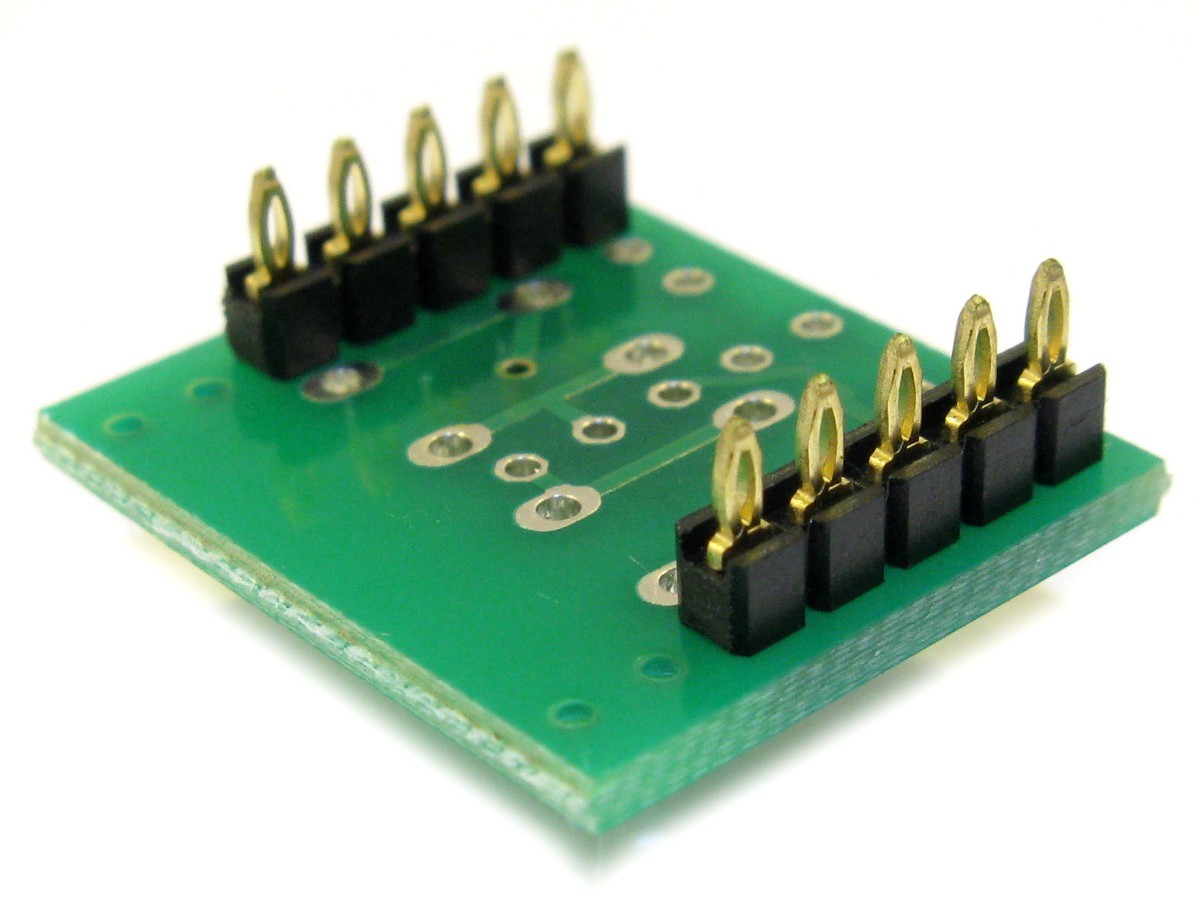
The in28J60 Ethernet iMod Module from the bottom. The board has two rows of press-fit connectors
that are pressed into the pads of the iMod Port
|
The SBC83I board with 3 iMod Ports. The first port is wider than standard, allowing a module of 0.9"
be fitted.
|
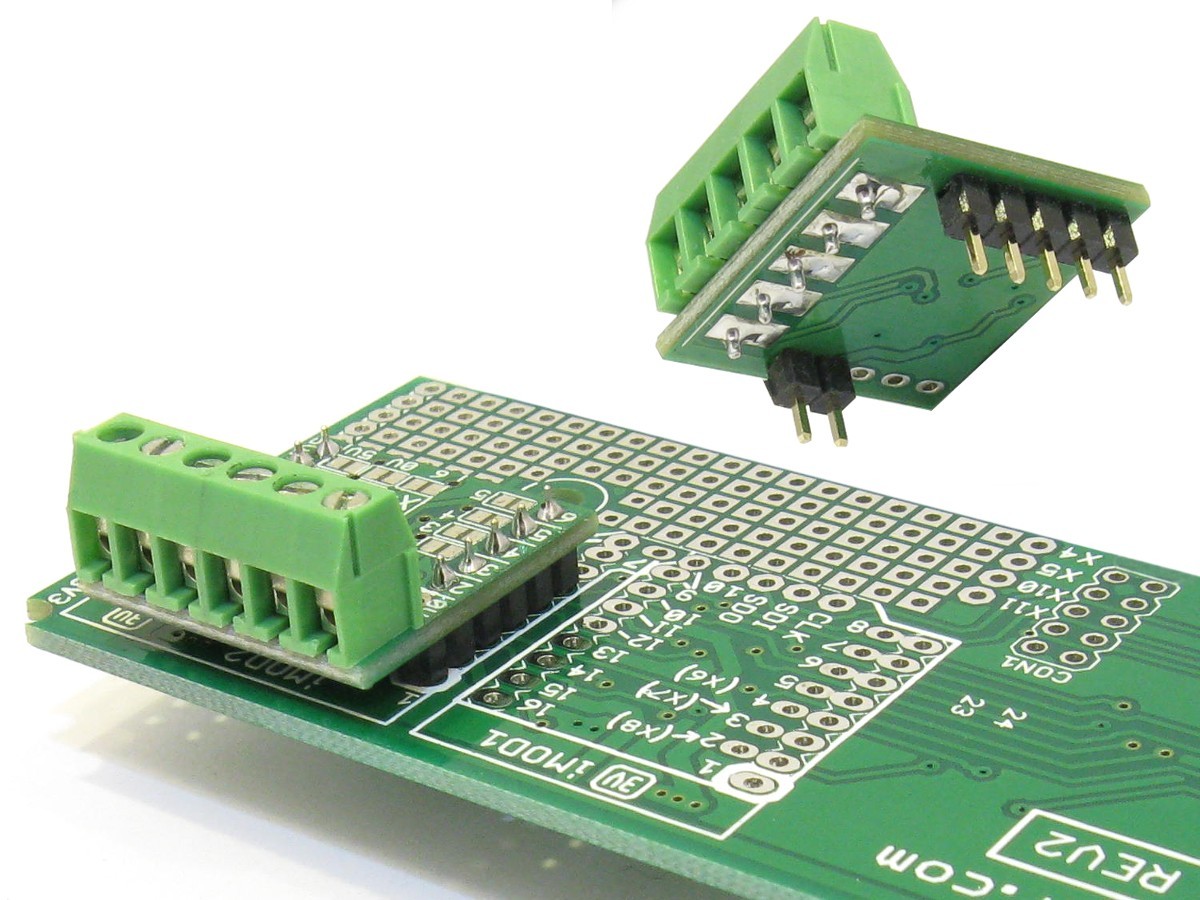
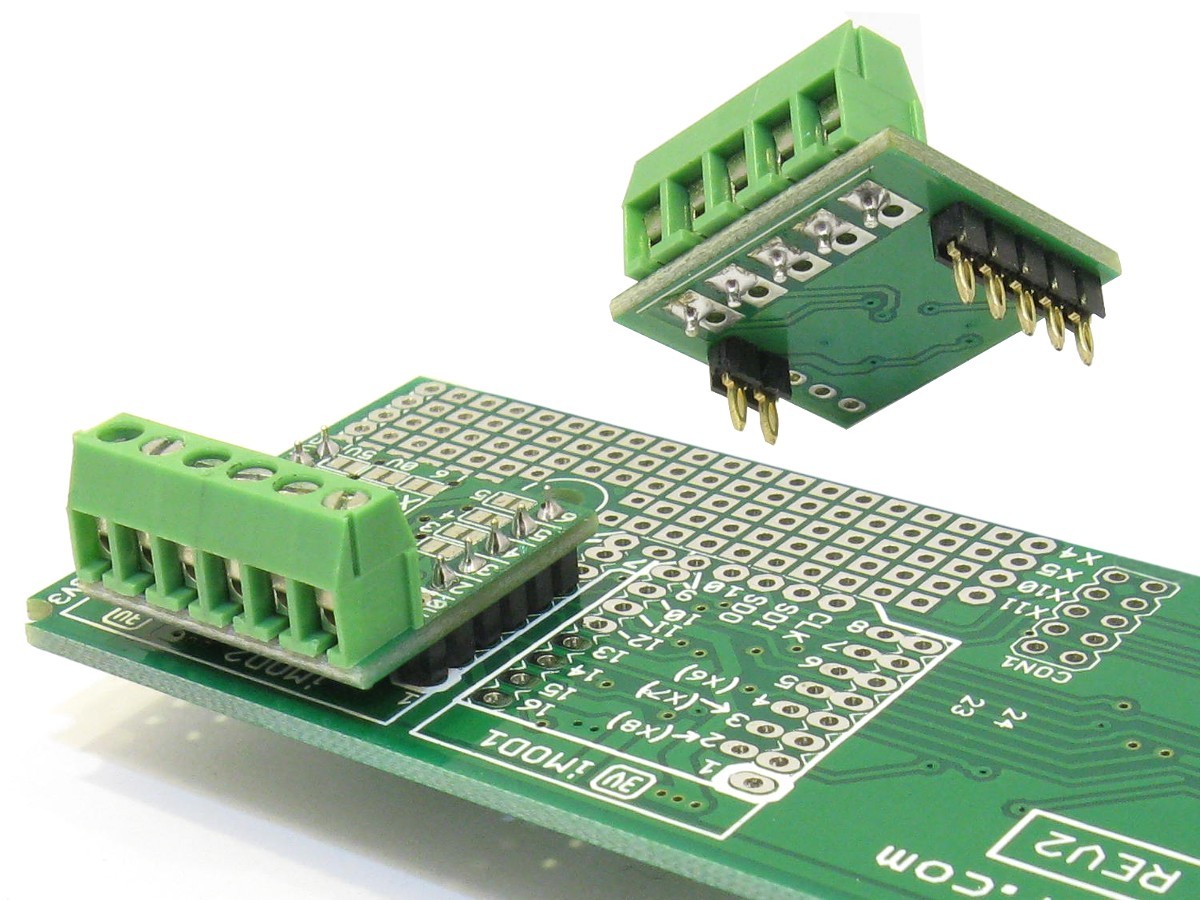
Shows the im232M RS-232 iMod Module inserted on a target board
|
|
|
 |
|
 |
|
All iMod Modules have two rows of connectors, a left and a right row. The signals on these connectors are
pre-defined, allowing modules to be interchangeable.
On the iMod Port, pin 1 (top most pin) of the left row will have a white marking around it. Most iMod Ports
will have multiple left and right rows, situated next to each other. This allows iMod Modules of different widths to be
mounted. The first picture below shows a typical iMod Port with two left rows, and a single right row. This allows
iMod Modules of 0.6" and 0.7" to be mounted. If an iMod Port has multiple left or right rows, the adjacent
pads are connected, as shown (with blue lines) in
A single iMod Module is defined to have a maximum row spacing of 0.7”, referred to as one module width. Modules
can however be wider than one module width, other common module widths are 0.9”, 1.1” and 1.6”. Target boards can provide
iMod Ports for fitting iMod modules. An iMod Port is very simple and cheap to implement, only two rows of 1.00mm
pads 0.7” apart are required (with a 0.1”, that is 2.54mm, grid). Modules wider than 0.7” will normally take up two iMod Ports on the
target board. Adjacent iMod Ports should be spaced 0.2” apart. To help inserting the iMod module correctly into the iMod Port,
pin 1 of the left connector is marked (white band around pad) on the iMod Module and iMod Port, and should always be aligned!
|
 |
| Additional photos - click on image to enlarge! |
A single iMod Port. This implementation has two left rows, allowing for 0.6" and 0.7" iMod Modules to be used.
The drill size of the pads is 1.00mm.
|
The SBC83I board with 3 iMod Ports. The first port is wider than standard, allowing a module of 0.9"
to be fitted. Ports have 0.2" between them.
|
Shows a SBC target board with one
in28J60
and two
im232M
iMod Module inserted.
|
|
|
 |
|
 |
|
The pins of an iMod Port are assigned standard signals:
|
- Pin 1 is 0V
- Pins 3 and 4 is a serial port, like a USART, CAN Bus, USB....
- When used for a USART, 3 = Received Data, and 4 = Transmit Data
- When used for a CAN Bus, 3 = CAN Receive, and 4 = CAN Transmit (Initial pin assignment,might change)
- When used for USB, 3 = D-, and 4 = D+ (Initial pin assignment,might change)
- Pins 2, 5, 6, 7, 9 and 10 are general purpose I/O ports. Pins 2 and 5 are guaranteed to always be dedicated I/O pins.
On some host boards, the other I/O pins might be shared between ports (if there are not enough available I/Os).
- Pins 12, 13 and 14 is a SPI or I2C serial port.
- When used as a SPI port, 12=SDO, 13=SDI and 14=SCK
- When used as a I2C port, 13=SDA and 14=SCL
- Pin 11 is Vsec, which is the secondary supply voltage. This will normally be 5V on a 3.3V board, and 5V on a 3.3V board.
- Pin 15 is Vcc. This is 3.3V or 5.0V, depending on the operating voltage of the host board.
- Pin 16 is Vaux. This is the unregulated input voltage of the host board. For example, if the host is supplied with a 12V DC supply,
this will be 12V.
- On host boards with multiple iMod Ports, some I/O signals might be shared between ports. The first pins to be shared
will be the ones at the back, pins 8 and 9. Next will be 7 and 10. It is thus recommended that iMod Modules first use
the I/O signals at the front, in this order: pin 2, pin 5, pin 6, pin 7, pin 10, pin 8 and last pin 9.
| Left Row |
Right Row |
| Pin |
Description |
Pin |
Description |
| 1 |
0V: 0V of the power supply |
16 |
Vaux: This is the unregulated input voltage of the host board. For example, if the host is
supplied with a 12V DC supply, this will be 12V. |
| 2 |
IO or CS: General Purpose I/O, or Chip Select. If a Chip Select signal is required, it is recommended to
use this pin. Any other IO pin could however also be used. |
15 |
Vcc: This is 3.3V or 5.0V, depending on the operating voltage of the host board. |
| 3 |
Serial Receive (or IO): This is the serial USART receive pin of the CPU. It is connected to the serial transmit (output) of the
circuit on the iMod module. |
14 |
SCK for SPI, or SCL for I2C: This is the serial clock output from the CPU. |
| 4 |
Serial Transmit (or IO): This is the serial USART transmit pin of the CPU. It is connected to the serial receive (input) of the
circuit on the iMod module. |
13 |
SDI for SPI, or SDA for I2C: For SPI, this is the serial input of the CPU, and is connected to the SPI serial output of the
circuit on the iMod module. |
| 5 |
IO or Int: General Purpose I/O, or Interrupt. If an Interrupt signal is required, it is recommended to
use this pin. Any other IO pin could however also be used. |
12 |
SDO for SPI (or IO): This is the SPI serial output from the CPU, and is connected to the SPI serial input of the
circuit on the iMod module. |
| 6 |
IO: General Purpose IO. |
11 |
Vsec: Secondary supply voltage. This will normally be 5V on a 3.3V board, and 5V on a 3.3V board. |
| 7 |
IO: General Purpose IO. |
10 |
IO: General Purpose IO. |
| 8 |
IO: General Purpose IO. |
9 |
IO: General Purpose IO. |
|
 |
| Multiple left and right rows |
|
 |
|
Most iMod Ports will have multiple left and right rows, situated next to each other. This allows iMod Modules
of different widths to be mounted. The pictures below show some typical iMod Ports with multiple left and/or right
rows. This allows iMod Modules of different widths to be mounted.
If an iMod Port has multiple left or right rows, the adjacent pads are electrically connected.
This is shown with blue lines in the pictures below.
|
 |
| Additional photos - click on image to enlarge! |
Shows iMod module with two left rows. This allows iMod Modules of 0.6" and 0.7" to be mounted.
|
Shows a SBC board with 3 iMod Ports. The first port is 0.9" wide, and the other two the standard 0.7".
Because each port has multiple left and right rows, iMod Modules of different widths can be fitted.
|
|
|
 |
|
|
|